
Extra materials for children
Mouse Tamer: how a child learns the mouse
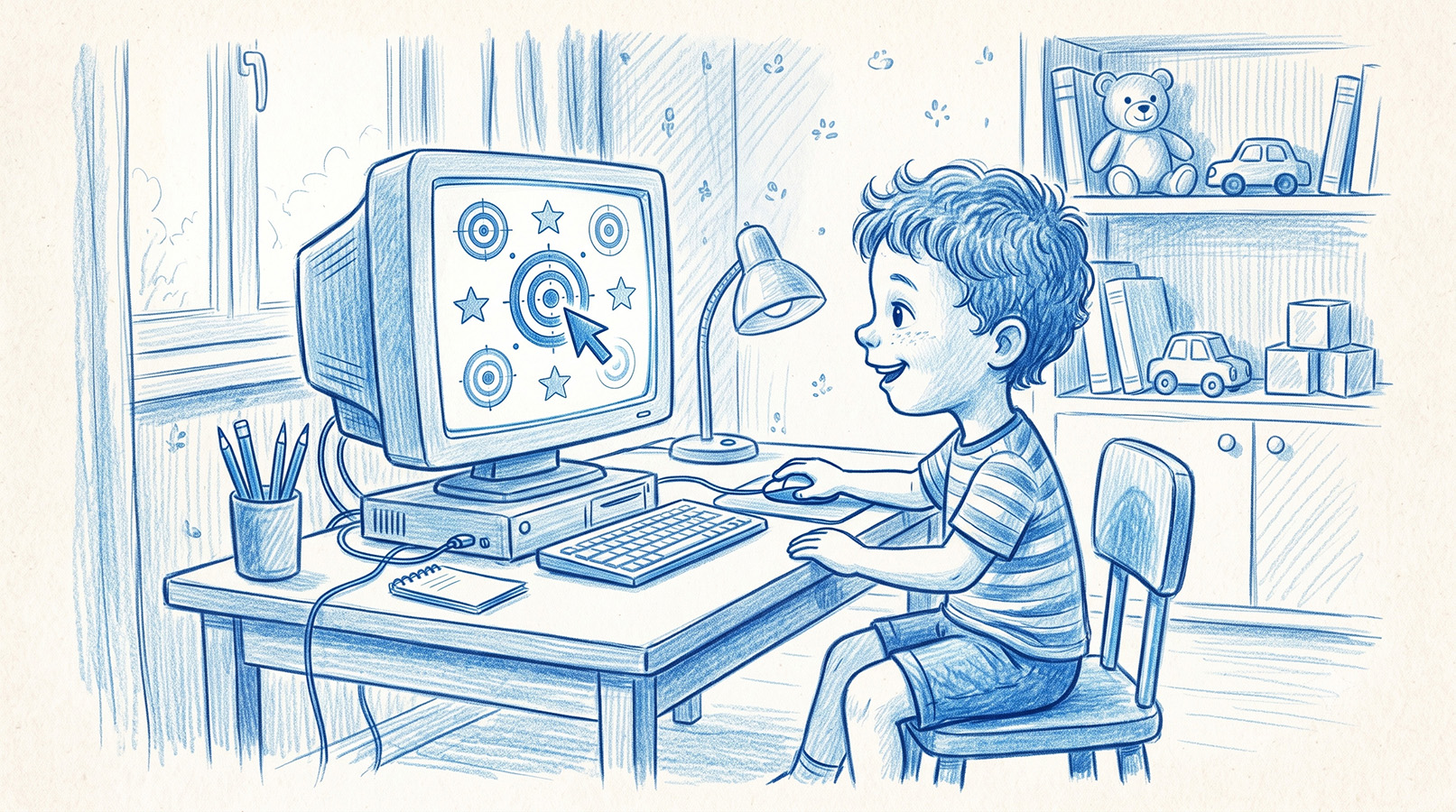
A trainer that builds mouse skills one action at a time. No account, no advertising, no internet — and a result sheet that adds up to a portfolio.
A child masters a tablet unaided; a mouse, no. Between the hand travelling across a desk and the cursor travelling up a screen sits a transformation that has to be learned. Explaining it is not enough — it needs practice. Mouse Tamer builds that link piece by piece, one action at a time: the accurate click, the double click, the right button, dragging, selecting. Each action lives in its own trainer, and each trainer has four levels.
One session takes three or four minutes: three short attempts with a pause between them. Everything inside is pitched at the age. The targets are large, the double-click window is noticeably wider than the system default, a miss costs one point and sounds gentle — no red crosses, no sharp noises. A target that is never caught carries no penalty at all. A five-year-old gives up not when something is hard but when they feel incapable: the trainer is built so that it does not come to that.
At the end the child gets a result sheet: points for each attempt, an overall percentage, and a face that makes sense to someone who cannot yet read. The avatar the child picked at the very start sits large on the sheet — what they recognise there is themselves, not the game. The date is filled in automatically; the adult writes the name by hand. From then on the sheets begin to add up to a portfolio. After six months it is a stack that shows movement: where it was hard, where it became easy, what the child got through alone. A five-year-old has nothing else with which to measure their own progress, and a stack like that is worth keeping.
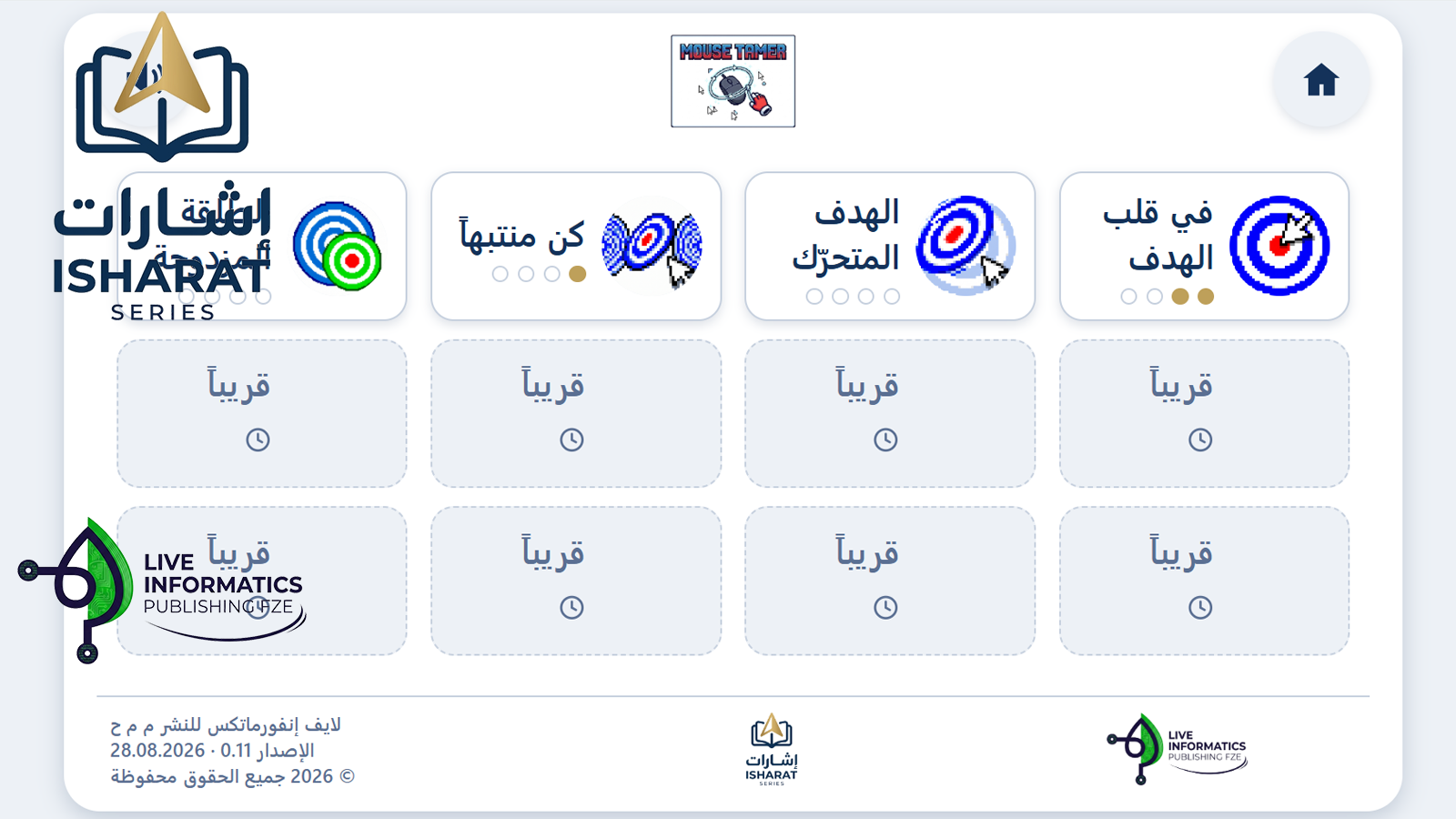
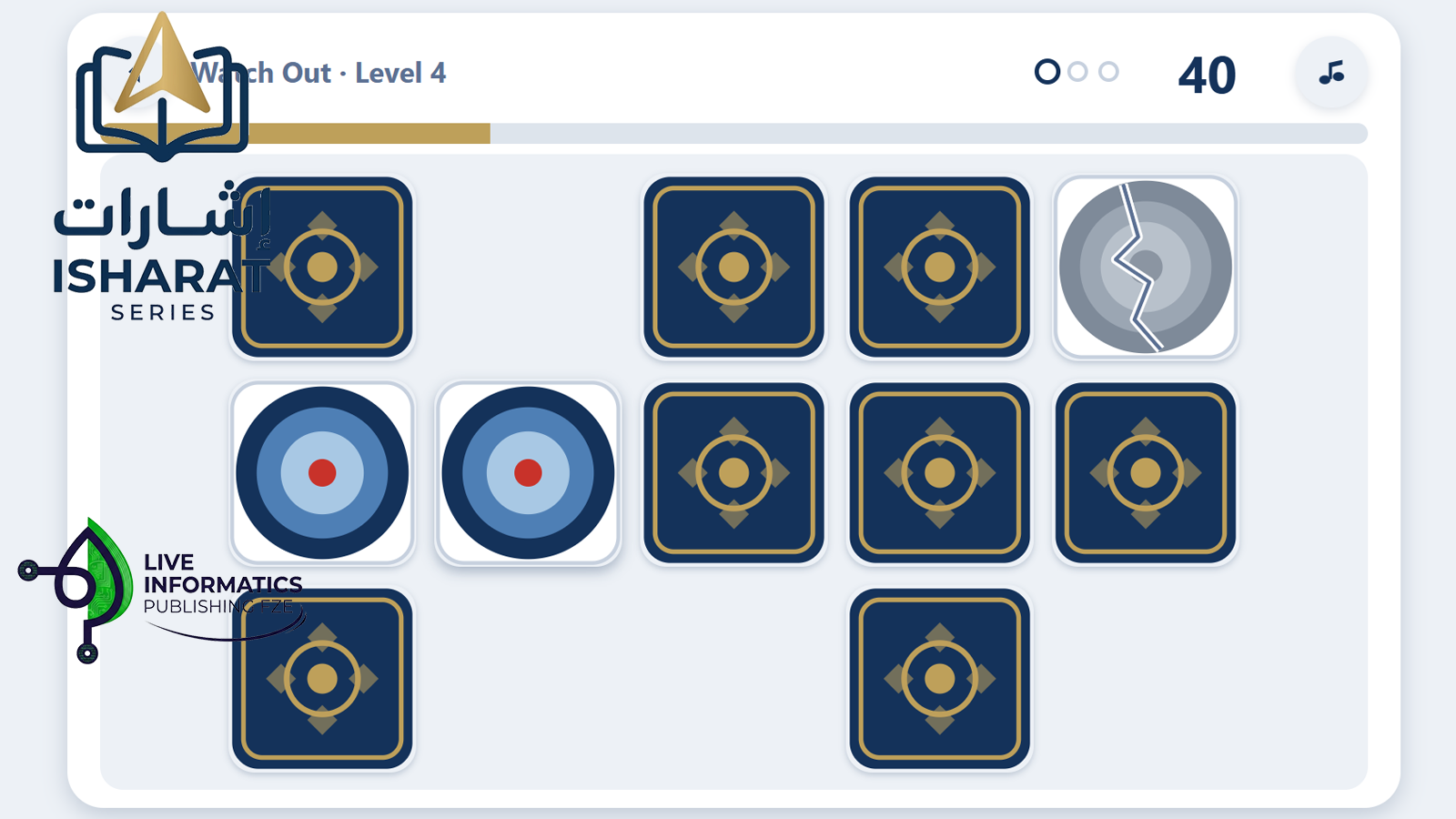
The trainers are recognisable and different at once. The four-ring target is the same everywhere, the rings always score the same, there are always three attempts, and the back button and the speaker are always in the same corner — a five-year-old remembers the place, not the icon. The rules are learned once. What changes is the task: in one the targets stand still, in another they travel and bounce off the walls, in another they lie face down and turn over one at a time. Each trainer has its own icon and its own music, and all of it is drawn in pixel art — a style children recognise instantly and one that holds up equally well on screen and on paper. The way in is always gentle: the first moving target travels slowly, and the four levels inside a trainer add difficulty in small amounts. Each time, the child meets something familiar and something new — but never both at once.
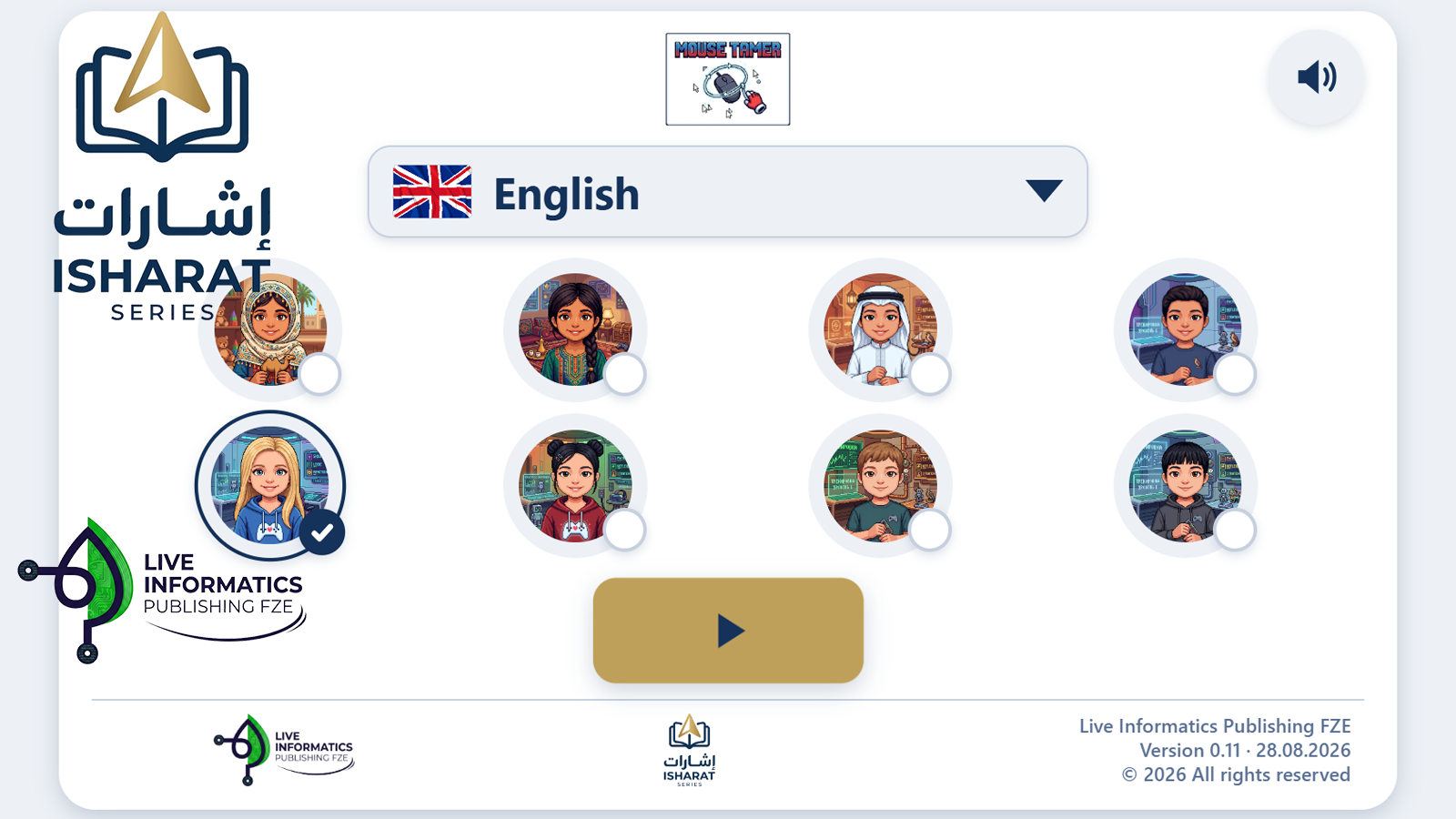
The trainer needs no installation, no account and no internet: it opens with a double click on a file, from a memory stick or a disk. There is no advertising in it and no links out. No data about the child goes anywhere — the name appears only on the printed sheet, in handwriting, and results stay on the computer where the work was done. The interface is in English, Arabic and Russian, and no screen requires reading: everything needed is spoken aloud and shown in pictures.